
Order editing for Shopify: let shoppers fix their own orders before they ship

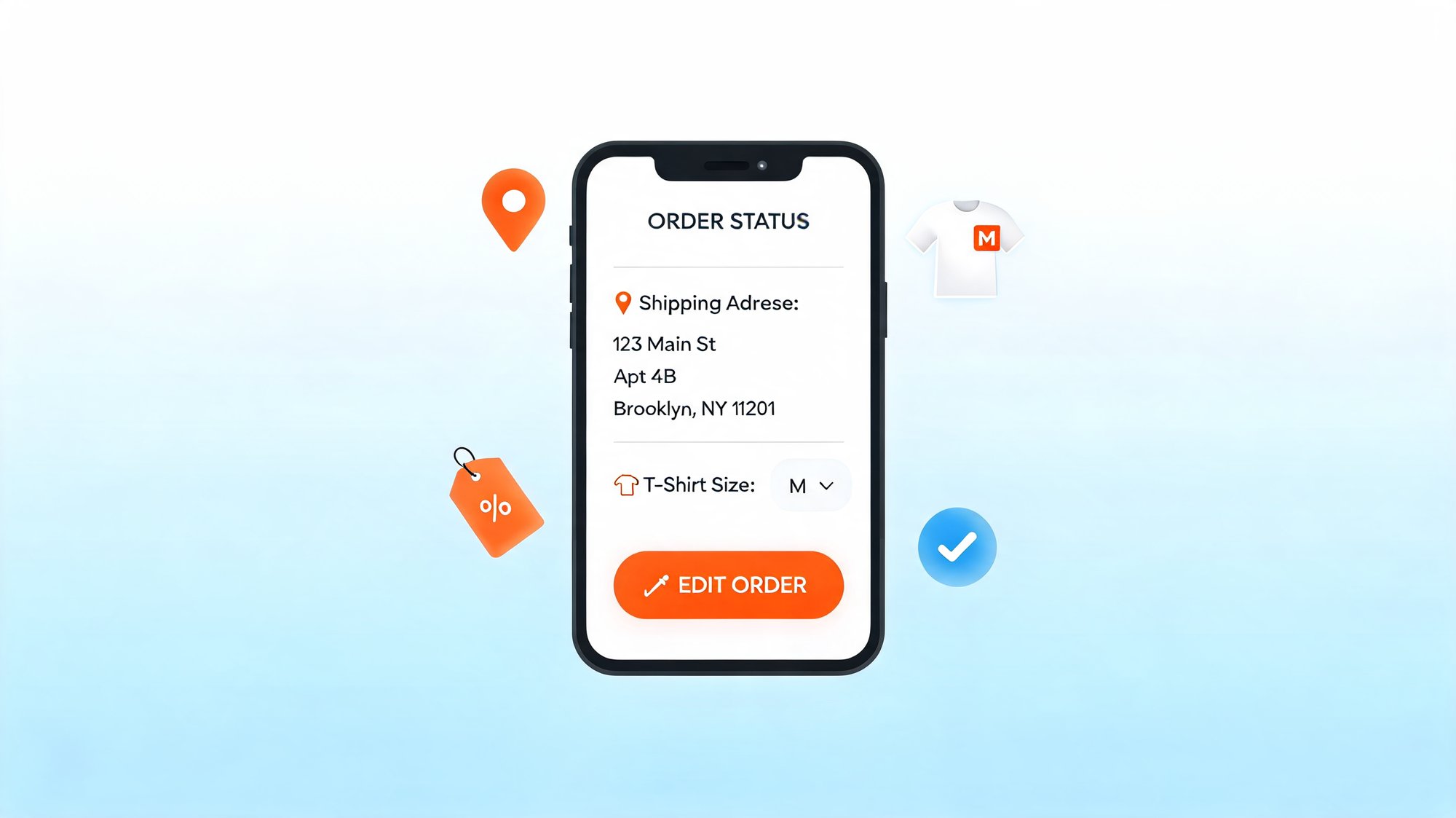
There's a specific kind of stomach-drop that happens seconds after a shopper clicks "Place order." They spot a typo in the address. They realize they picked the wrong size. They forgot to add the discount code sitting in their inbox. Or they simply change their mind.
Today, on most Shopify stores, that moment turns into work for your team: an email to support, a cancel-and-reorder that risks losing the sale entirely, or — worst case — a package that ships anyway and comes back as a return. None of those are good for the shopper or the merchant.
There's a better way: order editing — letting shoppers fix their own orders, before fulfillment, without ever contacting support. This post covers why post-purchase changes are so common, what they quietly cost, and how a Shopify order editing app solves the problem.
Post-purchase changes are more common than you think
Second-guessing a purchase is close to universal. In one survey, 74% of US adults said they've experienced buyer's remorse after shopping online. Add in the everyday mistakes — wrong address, wrong size, forgotten discount — and a meaningful share of every store's orders need something changed between checkout and fulfillment.
At the same time, shoppers increasingly want to solve these things themselves. Roughly 67% prefer to resolve minor issues on their own rather than talk to an agent, and a majority say they'd choose self-service for simple requests. Forcing a customer to email your team to change a size isn't just costly — it's the opposite of what most people actually want.
The hidden cost of "can you change my order?"
When order changes have to go through a person, three costs pile up.
Support load. Order-status and order-change questions are the single biggest category of ecommerce support. "Where is my order?" (WISMO) and related requests make up an estimated 25–40% of inbound support volume, spiking higher during peak seasons, and each ticket costs roughly $5–$12 to resolve. Every "can you change my address?" email is time your team isn't spending on complex, high-value issues.
Returns. When shoppers can't fix an order, many just accept the wrong item and send it back. Ecommerce returns hit a 16.9% average return rate in 2024. Apparel runs far higher — often 20–30% — and sizing and fit are the leading reason, cited in a large share of clothing returns. A size swap a shopper could have made in ten seconds becomes a full return-and-refund cycle.
Failed deliveries. Address mistakes are expensive at the end of the line. Industry studies find that incorrect or incomplete addresses account for roughly a fifth of failed deliveries, and that each failed delivery costs a retailer on the order of $17 per parcel in redelivery, support, and re-ship costs. Letting a shopper correct their address before the label prints avoids all of it.
The common thread: these problems are cheapest to fix in the minutes right after checkout — and most expensive once a human, a warehouse, or a courier gets involved.
What is order editing?
Order editing lets shoppers change their own order after checkout — directly from the order confirmation or order status page, within a window the merchant controls, and before the order is fulfilled. No login, no support ticket, no phone call.
Typically, that means a shopper can:
- Update the shipping address (with taxes recalculated automatically)
- Swap a size or product variant
- Add or remove items
- Apply a discount code they forgot at checkout
- Cancel — or be redirected into an edit instead (a "cancel rescue")
Because it lives on the Thank-you and Order Status pages the shopper already visits, the fix happens in the natural flow of the purchase — not in a separate support channel days later.
Why it matters for merchants
Fewer support tickets. Routine "can you change my order?" requests get deflected to self-service, so your team can focus on the issues that actually need a human.
Protected and recovered revenue. A shopper who would have cancelled can be redirected into a relevant edit instead — keeping the order. Automatic discount re-validation and tax recalculation keep the order economics correct, and post-purchase product recommendations can even grow order value.
Fewer returns and failed deliveries. A wrong size fixed before shipping is a return that never happens; a corrected address is a delivery that doesn't fail. Both reduce cost and improve the customer experience at the same time.
How AfterShip Order Edits compares
Most order editing tools cover the basics — the difference is what happens around the edit. Here's how AfterShip Order Edits compares to OrderEditing.com and Loop:
| Capability | AfterShip Order Edits | OrderEditing.com | Loop |
|---|---|---|---|
| Self-service edits (address, variant, add/remove, discount) | Yes | Yes | Yes |
| Cancel rescue (redirect a cancel into an edit) | Yes | Limited | Limited |
| Post-purchase AI upsell in the edit flow | Yes | Limited | Yes |
| Built into the same platform as tracking + returns | Yes | No | Returns only |
| Unified analytics (edited orders, retained + upsell revenue) | Yes | Limited | Limited |
Feature availability is based on public information and may change — confirm current capabilities with each vendor.
How to enable order editing on Shopify
Shopify's native tools let merchants edit unfulfilled orders from the admin, but they don't give shoppers a self-service way to do it. That's the gap a Shopify order editing app fills — like AfterShip Order Edits.
With AfterShip Order Edits you can:
- Turn it on from your admin and embed the edit experience on your Shopify Thank-you and Order Status pages.
- Set the rules: choose which edits are allowed (address, variant, add/remove items, discount, cancel) and how long the edit window stays open, all before fulfillment.
- Let shoppers self-serve while automatic tax recalculation and discount re-validation keep every order correct.
- Turn cancellations into saves with cancel rescue, which redirects a cancellation request toward a relevant edit instead.
- Measure the impact with a built-in dashboard showing edited orders, retained revenue, and upsell revenue.
Order Edits is part of the AfterShip post-purchase suite, so it connects to the same shopper journey as AfterShip Tracking and Returns. It's available on AfterShip Tracking or Returns, Premium plan and above.
What to look for in a Shopify order editing app
Not all order editing apps are the same. As you evaluate options, look for:
- True shopper self-service, not just automation that still runs through a support conversation
- Cancel rescue, so at-risk orders are redirected into an edit rather than lost
- Revenue protection — automatic tax recalculation and discount re-validation so edits don't break your margins
- Merchant controls — configurable edit windows and allowed edit types, always before fulfillment
- A connected post-purchase stack, so editing works alongside tracking and returns instead of in a silo
FAQ
What is order editing?
Order editing lets a shopper change an order after checkout — update the shipping address, swap a size or variant, add or remove items, apply a discount code, or cancel — before the order is fulfilled.
Can customers edit a Shopify order after checkout?
Not with native Shopify tools — only the merchant can edit unfulfilled orders from the admin. A Shopify order editing app like AfterShip Order Edits lets shoppers make those changes themselves, before fulfillment.
Can shoppers change their shipping address after placing an order?
Yes — within the edit window the merchant sets, and taxes recalculate automatically.
Does order editing reduce returns?
Often, yes — especially in apparel, where sizing and fit drive most returns. Letting a shopper swap to the right size before the order ships prevents the return entirely.
Is there a Shopify order editing app?
Yes — AfterShip Order Edits, part of AfterShip Tracking and Returns (Premium plan and above).
Is it safe to let customers edit their own orders?
You stay in control: choose which edits are allowed and how long the window stays open, all before fulfillment, with discounts and tax re-validated automatically.
Give shoppers an easy fix, and save the order
The minutes after checkout are when order problems are cheapest to solve. Order editing turns "wrong address, wrong size, changed my mind" from a support ticket, a return, or a lost sale into a quick fix the shopper makes themselves. Fewer tickets, fewer returns, fewer failed deliveries, and more orders kept.
Available on AfterShip Tracking or Returns (Premium and above).
Proactive shipment tracking that delights your customers, reduces WISMO tickets, and optimizes your delivery performance.
Book a demo